
Apps & tools - 6 min read
By Laurynas - Updated
What Is Shopify Sidekick? A Practical Guide for Merchants
Shopify Sidekick is the AI-enabled commerce assistant inside Shopify admin. You can use it to ask questions about your store, analyze information, draft content, prepare operational tasks, and get recommendations in plain language.
The important distinction: Sidekick is an assistant, not an autopilot. It can prepare work and suggest changes, but merchants should review AI-generated content, recommendations, and store changes before approving them.
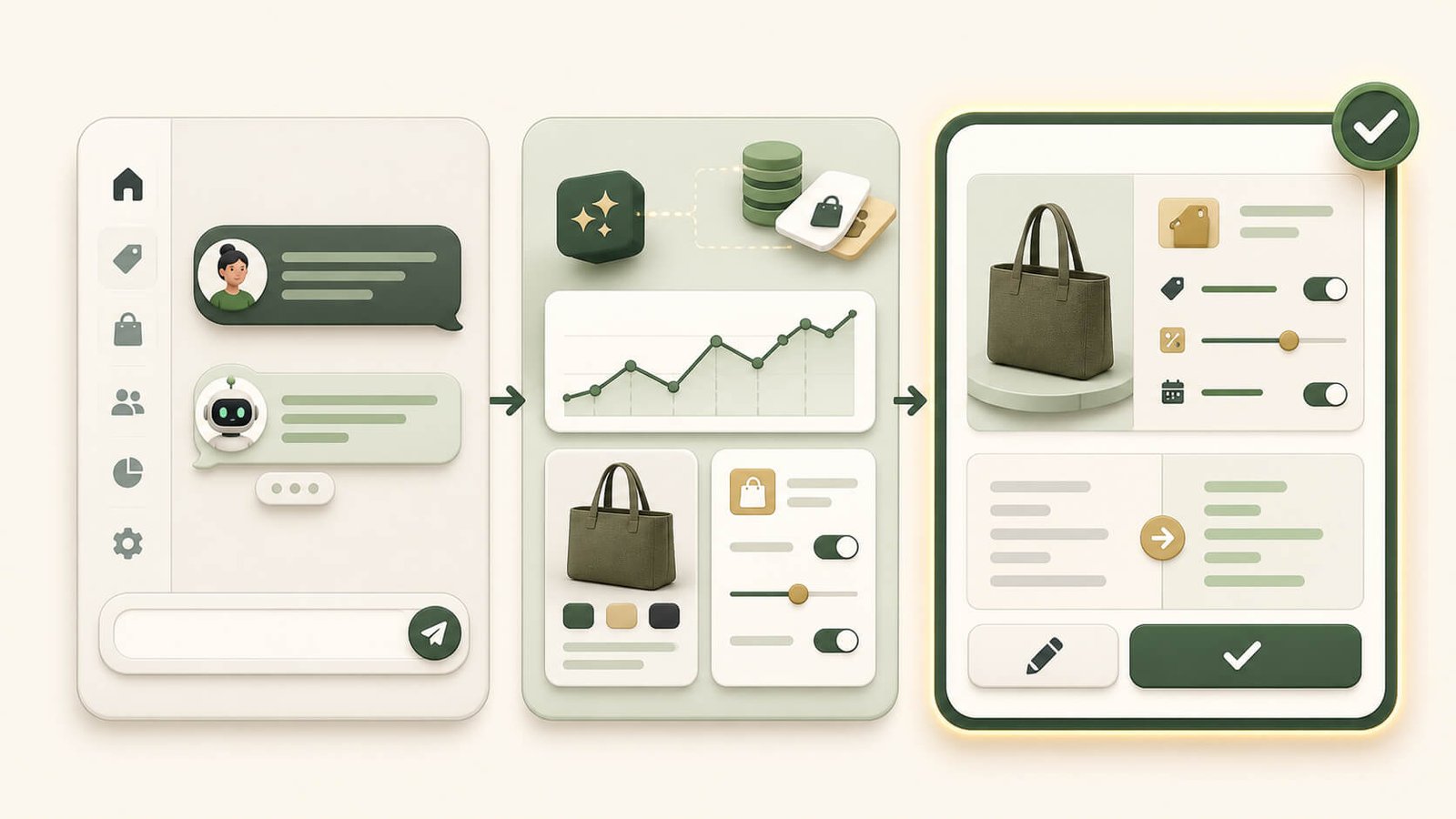
What can Shopify Sidekick help with?
Sidekick works with the context available in your Shopify store and its connected tools. It can explain Shopify features, summarize sales, order, product, or customer information, draft product descriptions and marketing copy, and prepare admin tasks such as discounts, collections, or customer segments.
It can also help identify operational questions, such as low-stock products or recent performance changes. Shopify says Sidekick can handle some longer tasks in the background and can surface proactive recommendations through Sidekick Pulse.
- Ask questions about Shopify features and store information.
- Draft content such as product descriptions, blog posts, or campaign copy.
- Prepare operational work, including discounts, collections, and customer segments.
- Help with workflows and supported third-party apps.
- Generate or refine custom admin apps on eligible Shopify plans.
How to use Sidekick well
The best prompts give Sidekick a clear goal, boundaries, and a desired outcome. Instead of asking it to help with a sale, ask it to draft a 15% discount for a named collection, valid for seven days, excluding low-stock products, and to show the proposed settings before creating anything.
That gives Sidekick a specific job while keeping the merchant in control. Use it to investigate, draft, or prepare a task; check the data, wording, settings, and assumptions; test or revise the proposal; then approve the final action only when it is correct.
Practical examples for a Shopify store
Ask Sidekick to summarize the last 30 days of sales, orders, returning customers, and major changes compared with the previous period. Then ask what questions the data raises before making a decision.
For product content, provide verified product details, customer benefits, tone of voice, and restrictions. Sidekick can create a first draft of a product description, title, or SEO content, but it should not invent specifications, compliance claims, or delivery promises.
For availability issues, use Sidekick to help organize the problem: which variants are affected, when stock changed, and what actions may be needed. For a deeper storefront availability checklist, read DetectStack's guide to fixing sold out issues on Shopify.
What Sidekick cannot replace
Sidekick can speed up store work, but it cannot replace merchant judgement. Check product facts, pricing, inventory decisions, legal or compliance statements, brand voice, discount settings, and AI-generated data summaries before acting on them.
Sidekick is also not a customer-support agent that independently talks to shoppers. It works inside Shopify admin and respects the permissions of the staff member using it.
Sidekick vs Shopify Magic
Shopify Magic is Shopify's broader set of AI features for tasks such as generating text and media. Sidekick is the conversational assistant that helps you work across Shopify admin using natural-language requests.
A simple way to remember the difference: Shopify Magic is the set of AI capabilities built into Shopify features, while Sidekick is the assistant you can ask to help you understand, draft, analyze, and prepare work.
Can Sidekick create apps?
On eligible Grow, Advanced, and Plus plans, Sidekick can help generate custom apps for Shopify admin. Merchants should review, refine, and test generated apps before installing them.
These generated apps are designed for admin use. They are not automatically customer-facing storefront, checkout, or customer-account apps.
Is Shopify Sidekick included with Shopify?
Sidekick is included with Shopify plans, although available features and usage limits can vary by plan. Check your Shopify admin to see which capabilities are available to your team.
Sidekick is most valuable when you treat it like a fast operations assistant: give it a clear brief, let it prepare the work, and keep human review at the decision point.

Written by
Laurynas
- 7+ years with Shopify
- 15+ years in ecommerce
Laurynas has over 15 years of experience in ecommerce, including more than 7 years working with Shopify. He brings that background to his writing about Shopify tools and the everyday decisions involved in running an online store.