
Store operations - 9 min read
By Laurynas - Updated
Shopify Black Friday Checklist: Prepare Your Sale Before You Start Promoting It (2026)
Shopify Black Friday and Cyber Monday can bring a rush of new shoppers, but traffic only helps if your offer, store, and operations are ready at the same time.
The safest approach is to treat BFCM as a controlled launch. Build one sale plan, test the complete shopper journey, and then promote it. If a discount code fails, stock runs out unexpectedly, or shipping details are unclear, fix that before the first campaign goes live.
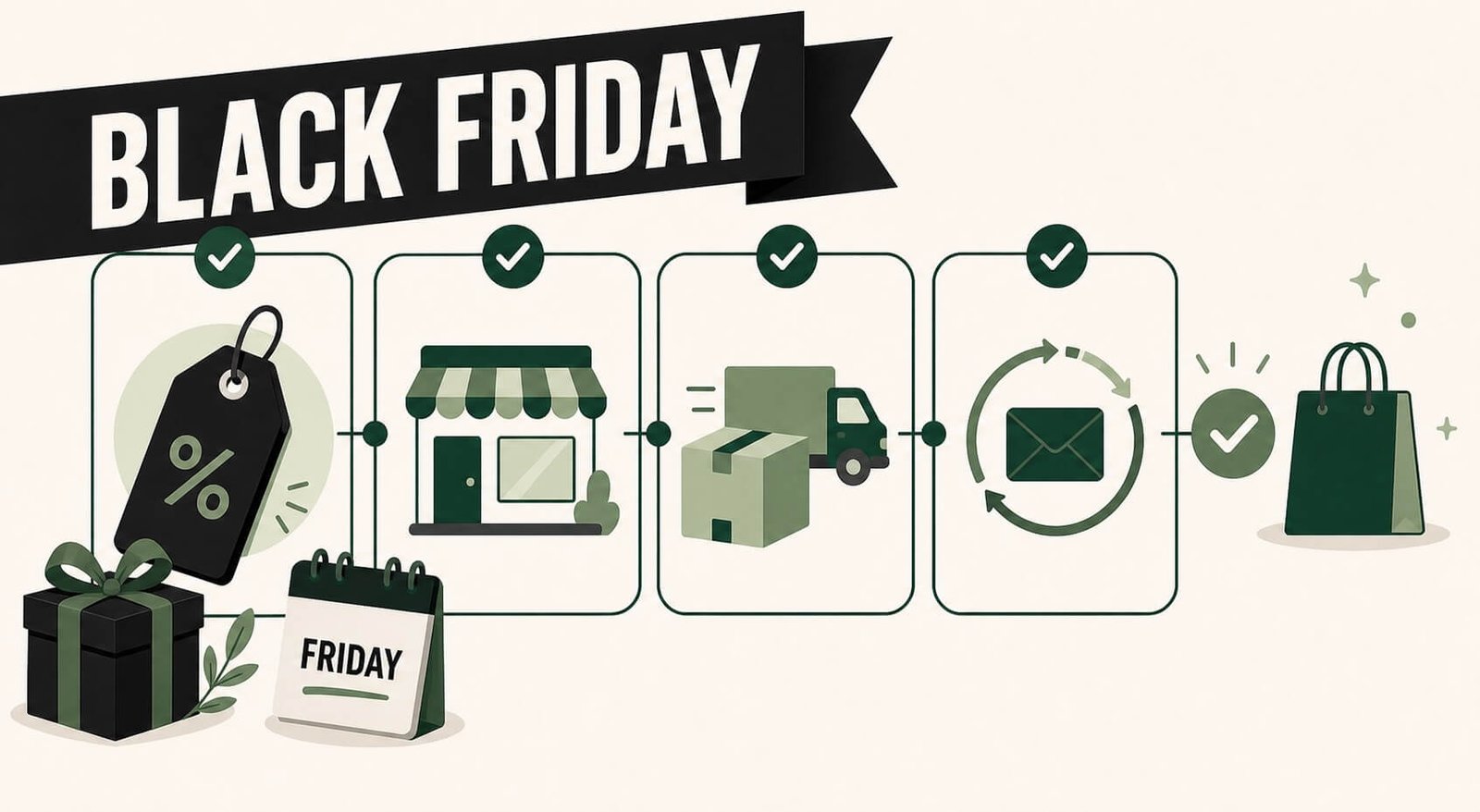
Start with one sale brief
A BFCM campaign becomes confusing when every channel promises something different. Write a short sale brief before creating banners, emails, or ads.
Use this brief as the source of truth. Your landing page, cart messaging, email copy, support replies, and paid ads should all match it.
- Define the offer: the exact discount, bundle, free gift, or shipping incentive.
- List the eligible products, exclusions, and stock limits.
- Set the public start and end times, the early-access window, and any Cyber Monday variation.
- Identify the audience: new subscribers, past customers, VIPs, or a broad public sale.
- Set margin guardrails, including a minimum order value or product mix that keeps the offer viable.
- Confirm the fulfilment promise: shipping deadline, processing time, and sale-item return terms.
- Assign an owner for marketing, operations, support, and technical checks.
Choose an offer that fits the job
A store does not need a blanket percentage discount to run a credible BFCM sale. Choose the offer based on the result you need.
Bundles, spend thresholds, and gifts with purchase can raise average order value. Category-specific discounts can move selected stock. Early access can give subscribers a reason to join your list. A curated bundle or limited product can protect a premium position better than a broad price cut.
Keep conditions plain. A shopper should be able to answer three questions immediately: what they receive, what they need to buy, and when the offer ends.
Work backward from Black Friday
For 2026, Black Friday is November 27 and Cyber Monday is November 30. The exact calendar matters less than leaving enough time to test before traffic arrives.
Six to eight weeks before: make the commercial decisions
Review last season's results if you have them. Look for products that sold well, products that created support tickets, discount codes that were overused, and fulfilment bottlenecks.
Then finalise the sale brief, estimate stock needs, confirm supplier lead times, and decide whether you need a dedicated sale collection or landing page. Do not create complex new campaigns until you know you can fulfil them.
If you sell bundles, check the available quantity of every component. A bundle is only sellable while its limiting component remains available. Build a fallback offer for popular items that may sell through early.
Three to four weeks before: remove storefront friction
This is the time to make the store faster and easier to buy from, especially on a phone. Check the sale page, collection pages, product pages, cart, and checkout on a real mobile device.
Confirm that product images load quickly, buttons are easy to tap, variants are understandable, and the cart remains easy to reach. Remove or disable apps that are not needed for the campaign. Each extra script, pop-up, or widget can add friction or introduce a conflict.
Create a single landing destination for BFCM traffic. It should explain the offer first, make categories easy to browse, and link to relevant policy information. Do not send every campaign to the homepage and expect shoppers to hunt for the deal.
Two weeks before: build the message sequence
Prepare the campaign as a sequence, not a single announcement. A simple plan can include a teaser, an early-access message, a launch message, a reminder based on real timing or inventory limits, a Cyber Monday variation, and a post-sale message that sets shipping expectations.
Segment where you have a useful reason to do so. Past buyers may respond to complementary products. High-value customers may merit early access. Recent browsers may need a reminder about the product they viewed. Do not invent unnecessary segments or send contradictory offers to the same person.
Set up abandoned-cart and browse-abandonment flows before the rush. Test their suppression rules so a customer who has already purchased does not receive an irrelevant discount email.
Run a complete purchase test
A sale is not ready when the banner looks correct. It is ready when a customer can complete the intended journey.
Place test orders using the same devices, regions, products, discount combinations, shipping methods, and payment options that real shoppers will use. Test at least one order with each core offer.
- Check that discount codes and automatic discounts apply to the right products.
- Make sure discounts do not combine in ways that damage margin.
- Verify sale prices, compare-at prices, and promotional claims are accurate.
- Confirm shipping rates and delivery estimates appear correctly for your main markets.
- Check inventory changes as expected after purchase.
- Review order-confirmation emails for the right items, totals, and policy details.
- Make sure analytics and campaign parameters make the source of an order understandable.
What if you will not have enough stock?
Do not keep promoting a product once its remaining stock cannot safely cover demand. Pause or narrow the offer, remove the product from broad campaigns, and make the availability message clear on the product page. A smaller promotion you can fulfil is better than orders you have to cancel later.
If the product is confirmed but stock has not arrived yet, a preorder can be the right option. Only use it when you can give shoppers an honest expected shipping window, clearly label the purchase as a preorder, and have a process for order updates. A preorder should be a deliberate customer promise, not a workaround for an incorrect inventory setting.
Need help choosing the setup? Compare Shopify preorder apps for options that support preorder messaging, deposits, partial payments, and back-in-stock alerts.
Prepare for the problems that still happen
BFCM pressure makes small issues expensive. Decide in advance how you will respond to low stock, supplier delays, incorrect pricing, a broken integration, or an unexpected spike in tickets.
Give support a short internal playbook with approved responses for delivery estimates, sale exclusions, discount-code issues, out-of-stock items, returns, cancellations, and address changes. Name the person who can pause a campaign, change a discount, update a shipping message, or disable a faulty app.
Fast decisions protect customer trust when something goes wrong.
Treat Cyber Monday as a continuation, not a reset
Cyber Monday does not need to repeat Black Friday word for word. Use it to give a different group a reason to act: a final deadline, a focused product category, a gift with purchase, or a subscriber offer.
Keep the promise honest. Use urgency only when the date, inventory, or benefit is real. Shoppers notice when a last-chance sale simply extends again.
Keep the buyer after the sale
BFCM can acquire first-time customers at a high cost. The next step is to make their first order feel dependable. Send clear order and shipping updates. Resolve fulfilment exceptions quickly. After delivery, ask for feedback or recommend a relevant replenishment, accessory, or next purchase only when it fits the product.
Measure more than revenue. Review conversion rate, average order value, discount cost, sell-through, support volume, return reasons, delivery issues, and repeat purchases. Those answers make next year's campaign more useful than copying a longer list of promotions.

Written by
Laurynas
- 7+ years with Shopify
- 15+ years in ecommerce
Laurynas has over 15 years of experience in ecommerce, including more than 7 years working with Shopify. He brings that background to his writing about Shopify tools and the everyday decisions involved in running an online store.